Sensing
Haptics
Light
Sound
HABI Studio
Included with the Evaluation Kit. Set thresholds, feel, light and sound over USB and see the result on the button straight away.
A sealed, dual-sensing button for machines and products where every press counts. Sensing, feedback and electronics in one module, configured in software.
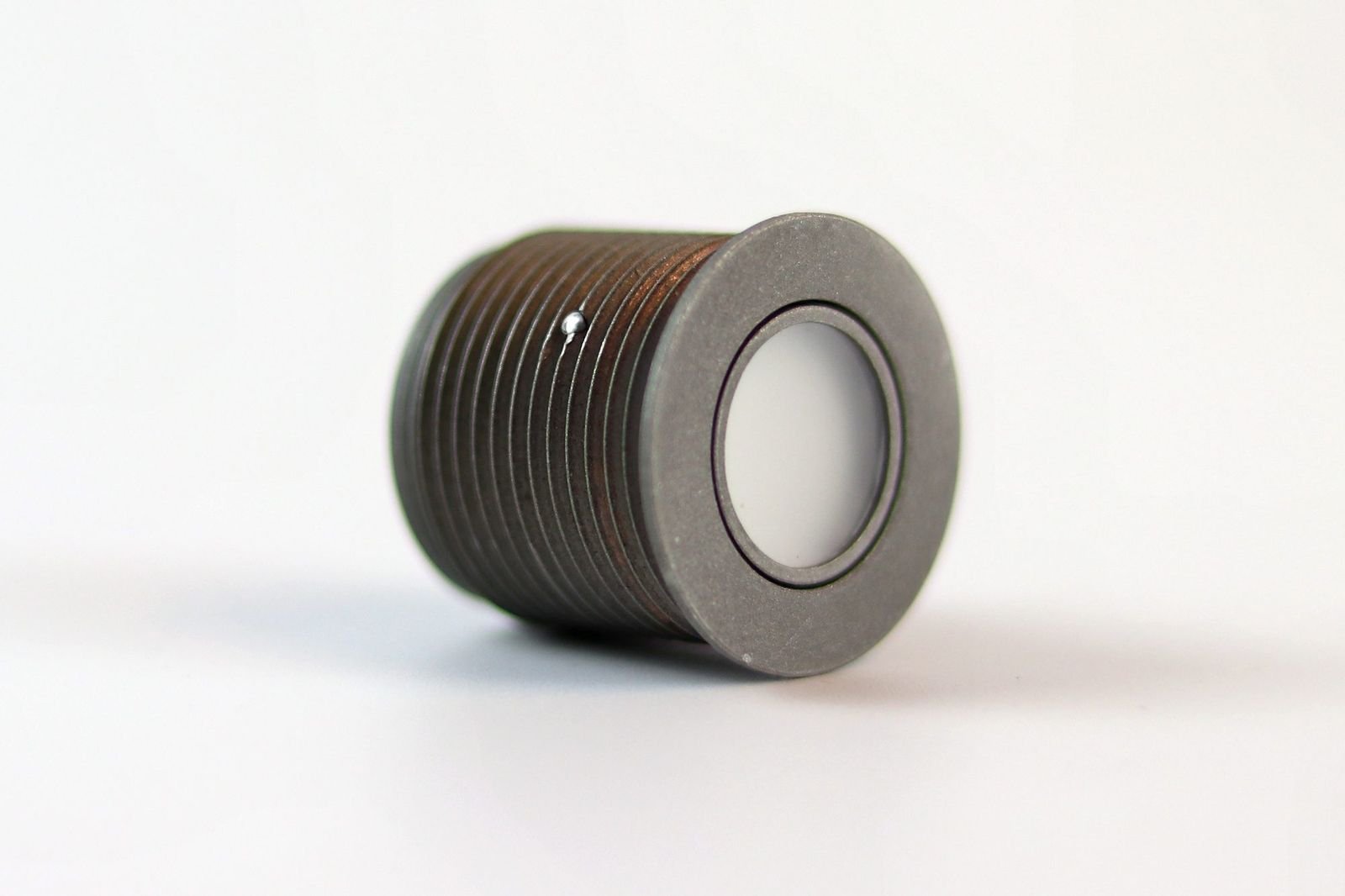
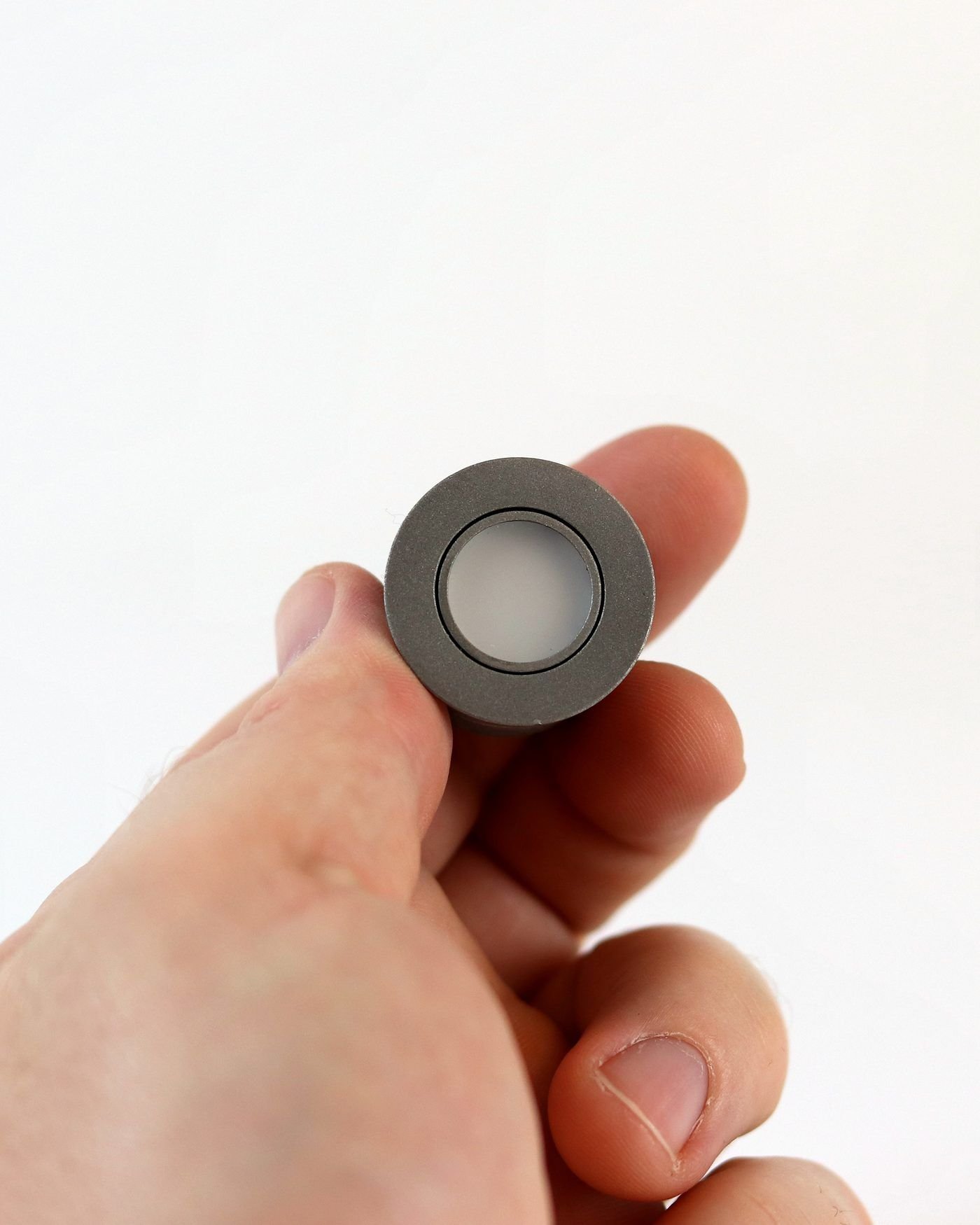
The user always knows the press landed, even with gloves on, in a loud hall or without looking at the panel.
A distinct click the user feels, even through a glove. Strength and pattern set per application.
Full RGB light for status, warnings or your brand colour. Steady, blinking or pulsing. Drag to try:
Simple tones for loud places, or when nobody is looking at the panel.
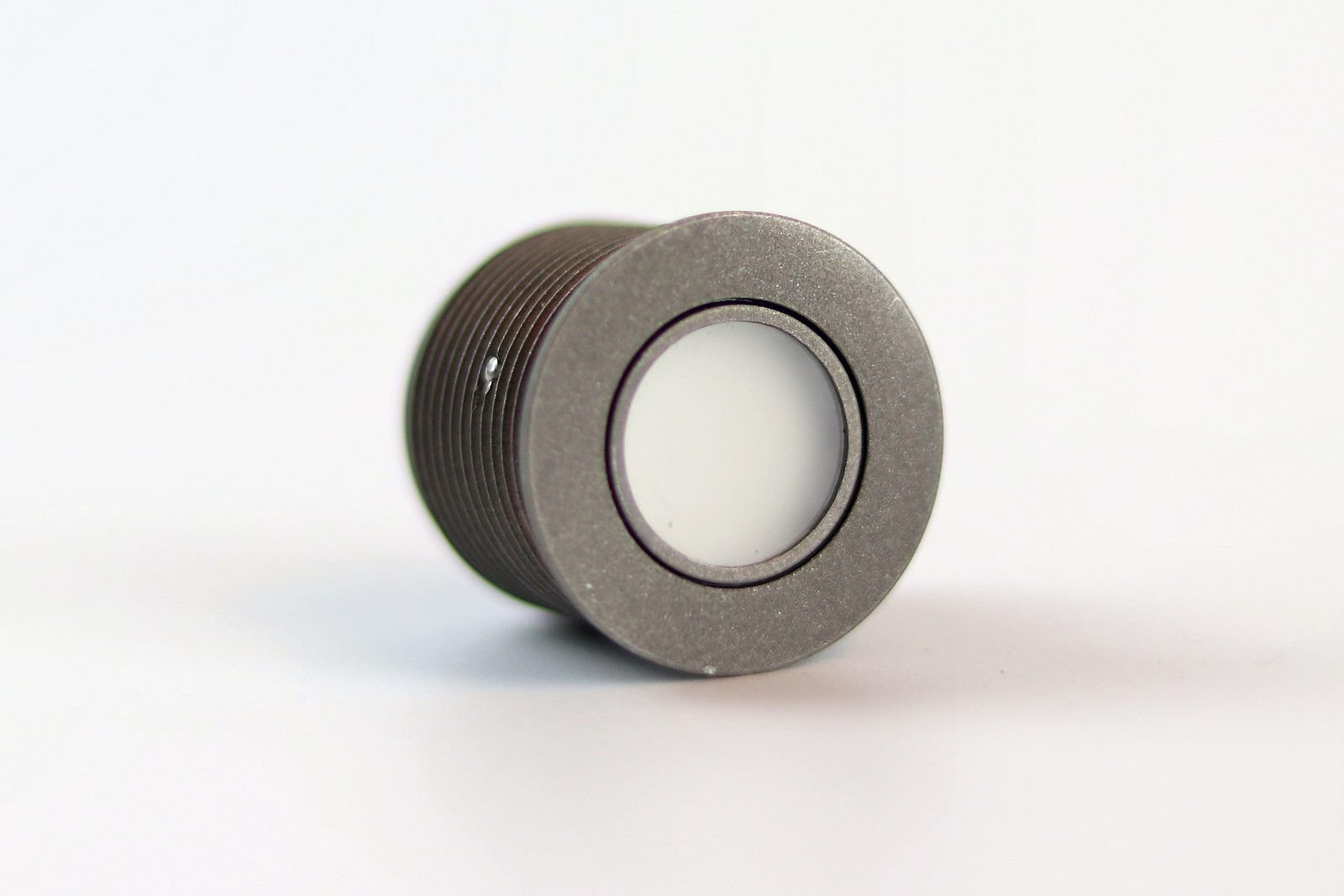
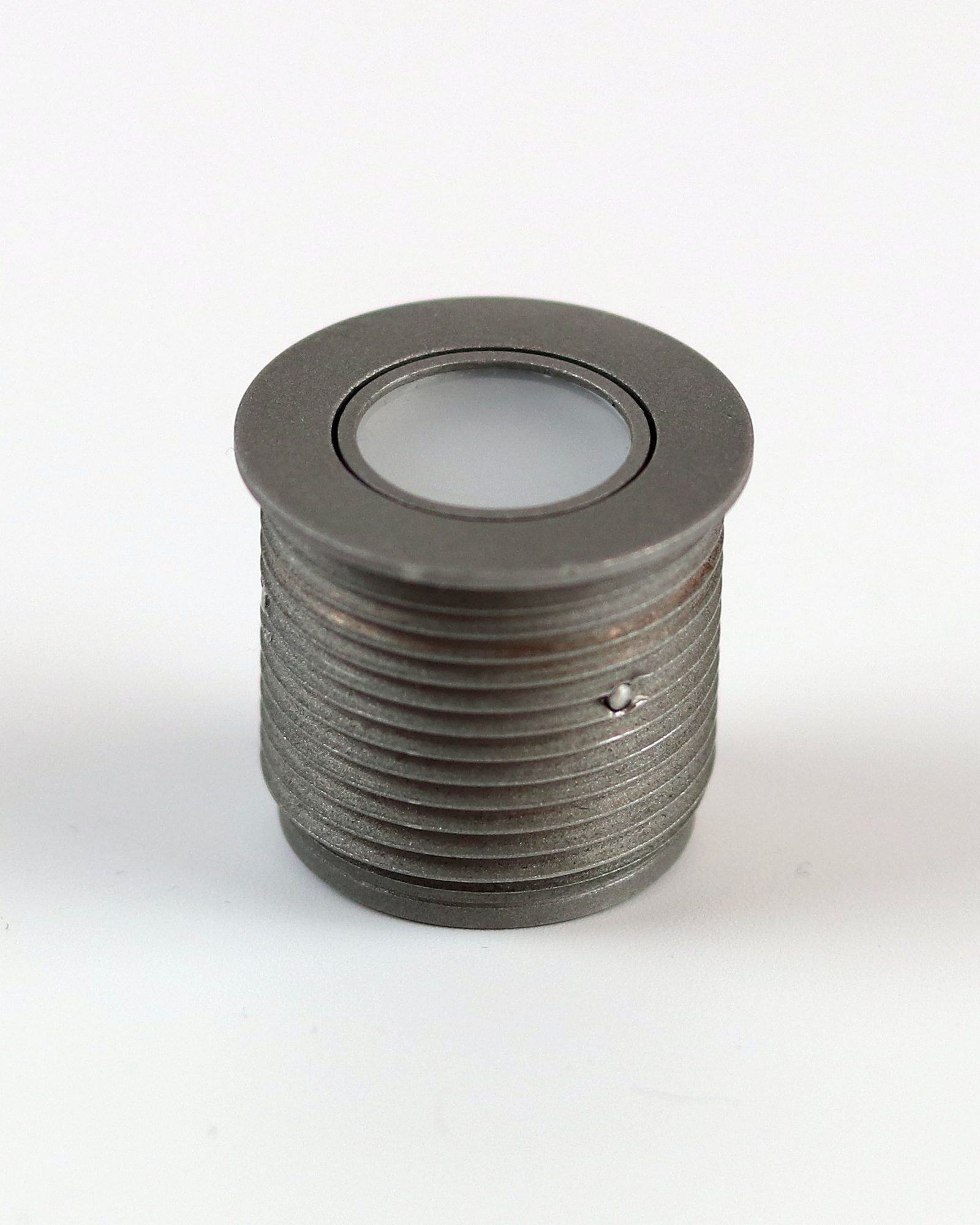
A typical control needs a switch, an indicator lamp, a buzzer and the wiring between them. The HABI Button replaces them with one module and one cable.
Every HABI Button comes with the tools to tune it and the documentation to build it in. One login for both.
Included with the Evaluation Kit. Set thresholds, feel, light and sound over USB and see the result on the button straight away.
Guides, datasheets, firmware and support for customers, behind a secure login. Your HABI Studio license lives in the same account.
Log in to HABI Docs →Designed to be built into a panel and forgotten about. The full datasheet, drawings and firmware are in HABI Docs.
| Sensing | Force + capacitive, evaluated together |
|---|---|
| Feedback | Haptic, RGB light, sound |
| Connection | Standalone, or connected to a PLC or PC |
| Mounting | Threaded body for panel mounting |
| Configuration | HABI Studio over USB |
| Testing | EMC and environmental testing completed |
| Panel cut-out | On request |
| Sealing (IP rating) | On request |
| Operating temperature | On request |
| Supply voltage | On request |
Values marked On request are being finalised. Ask us, or find them in the datasheet in HABI Docs once published.
The short answers. The long ones are in the docs, or one email away.
Yes. A deliberate press with a work glove registers on both channels. The force threshold can be tuned in HABI Studio for your glove and application.
A water film or a splash shows up on the capacitive channel only, so the button ignores it. It needs a real press to act.
It can run fully standalone or connect to a PLC or PC. The Evaluation Kit connects to your PC over USB through the interface board. Ask us about the interface for your system.
Yes, all of it is set in software: light colour and behaviour, haptic strength, tones and thresholds. No hardware changes.
That is what the pilot phase is for. Tell us about your product and we'll look at fit, mounting and configuration together.
No. Emergency stop functions need a certified E-stop device. The HABI Button is for the operating functions around it.
The Evaluation Kit has everything you need to test the HABI Button in your own product.