Test it in your product, not just on your desk.
Everything your engineers need to try the HABI Button in your own application, with our engineers alongside from the first power-up to a working pilot.
- 1 HABI Button
- Interface board and cables, USB to your PC
- HABI Studio license
- HABI Docs account
- 1 h onboarding + engineering support
Unpack, plug in, press.
The kit connects to a PC over USB. Open HABI Studio and the button is live: change the feel, light and thresholds and press again.
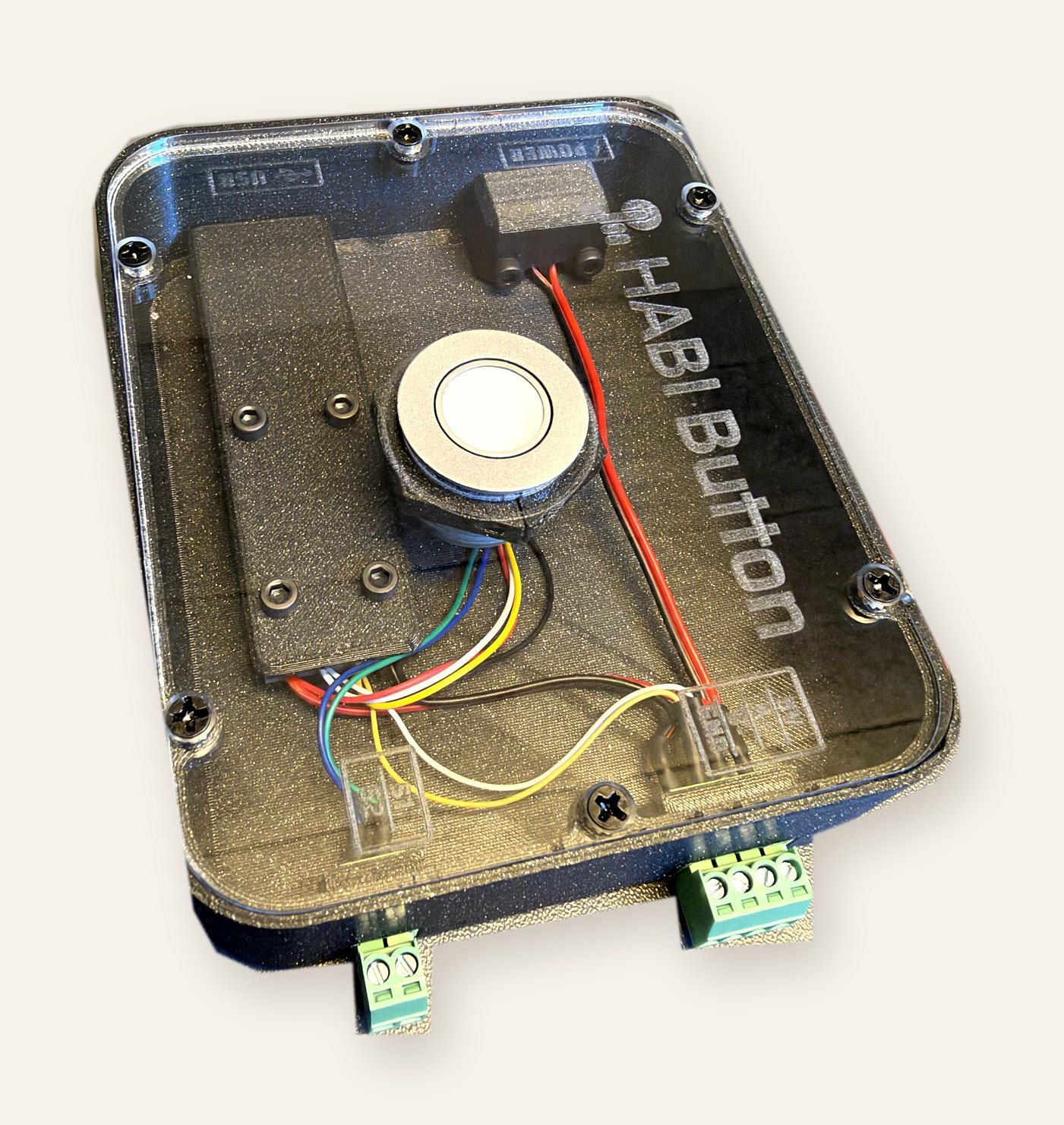 Current EVK build
Four steps, one contact.
- Evaluate
Order the kit. One hour of remote onboarding gets the button running on your desk, with HABI Studio and the docs.
- Pilot
Build the button into your product or a test rig. A field application engineer supports you for the length of the pilot.
- Design in
Tune feel, light and thresholds to your product and lock the configuration for production.
- Production
Samples, then volume. The kit price is credited on larger orders.
What you need.
HABI Studio runs on a PC, connected to the kit over USB. No other tools needed to get started.
A product, panel or rig where you want to try the button. Tell us about it when you order.
We go through setup and configuration with your engineer, remotely.
Request a kit.
Tell us about your product and where an input has to be right.