Certainty at the operator station.
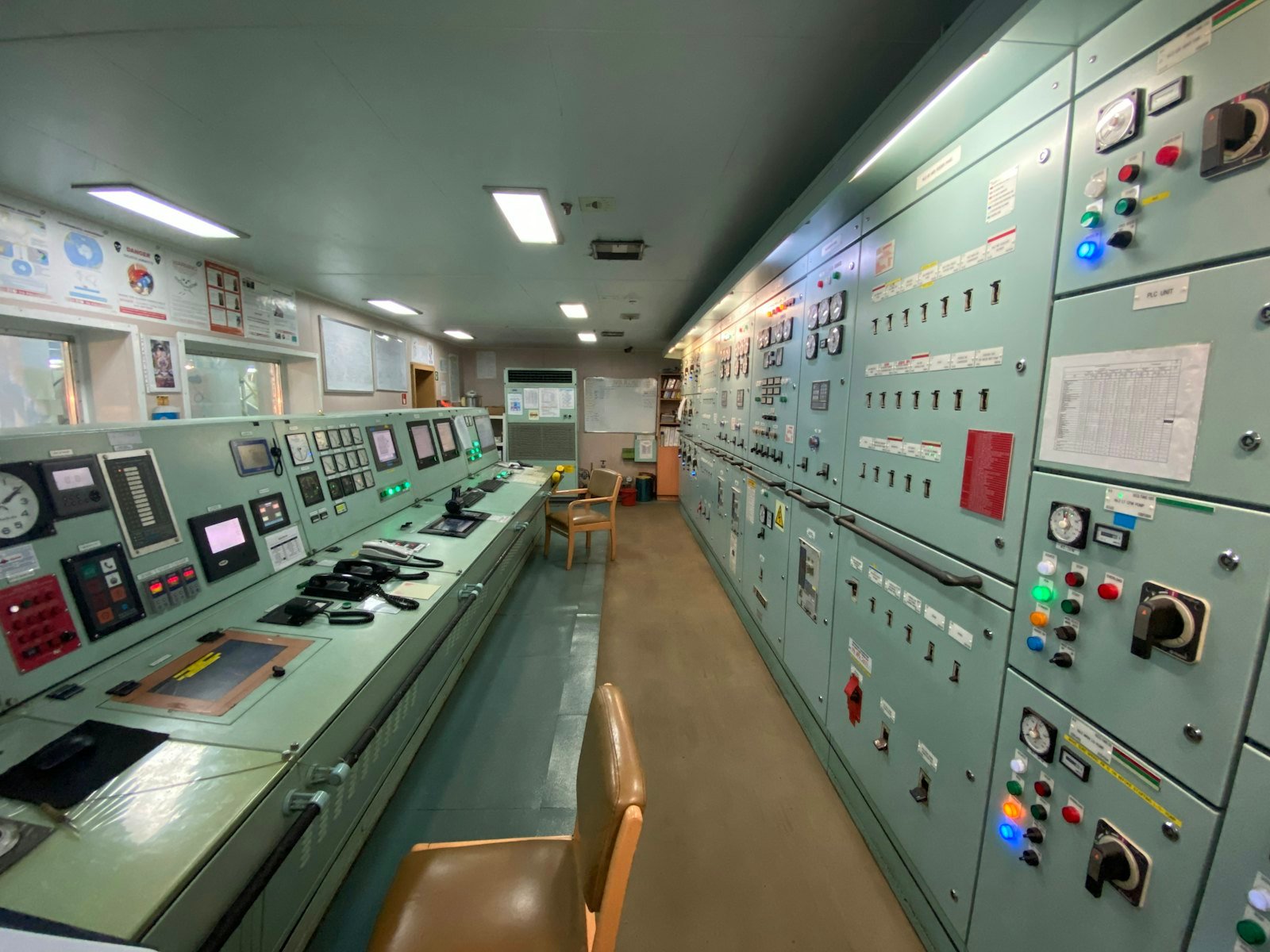
Machine fronts, operator stations and control rooms run around the clock with different people at the panel every shift. When a button is pressed, the operator needs to know it happened, and the machine must not react to anything else.
And what the HABI Button changes.
Without clear feedback, operators press again, hold too long or walk over to check, and double actions follow.
Every accepted press is confirmed with a haptic click, light and an optional tone.
A button, an indicator lamp and a buzzer are three parts to buy, mount and wire for one function.
The RGB light shows the function's state, driven by the button itself or your PLC.
Oil mist and dust work into mechanical buttons, and touch screens struggle with dirty or gloved hands.
A sealed front and a press that must pass both sensors.
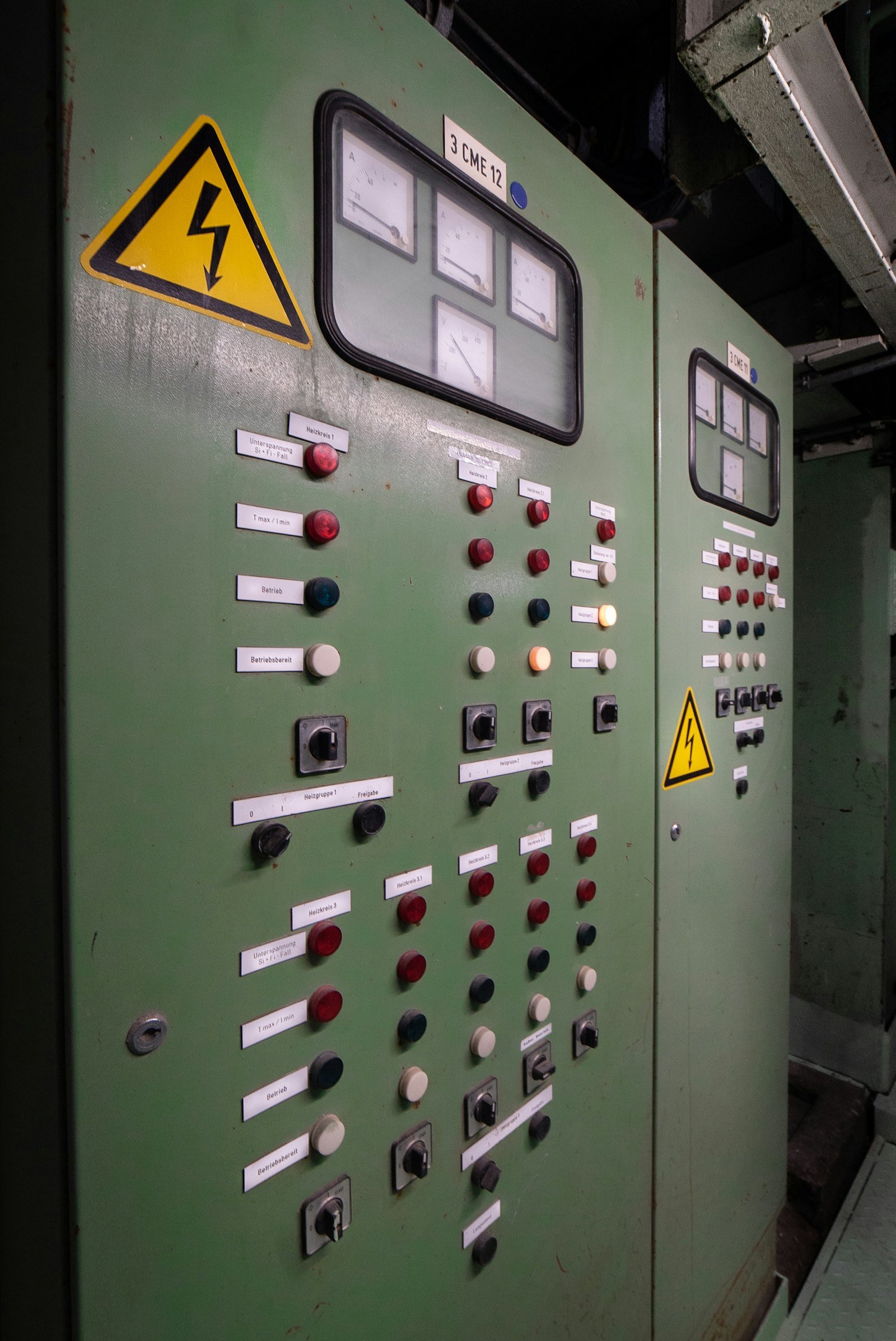
Typical placements.
Try it in your panel.
The Evaluation Kit lets your engineers test the HABI Button in your own application.
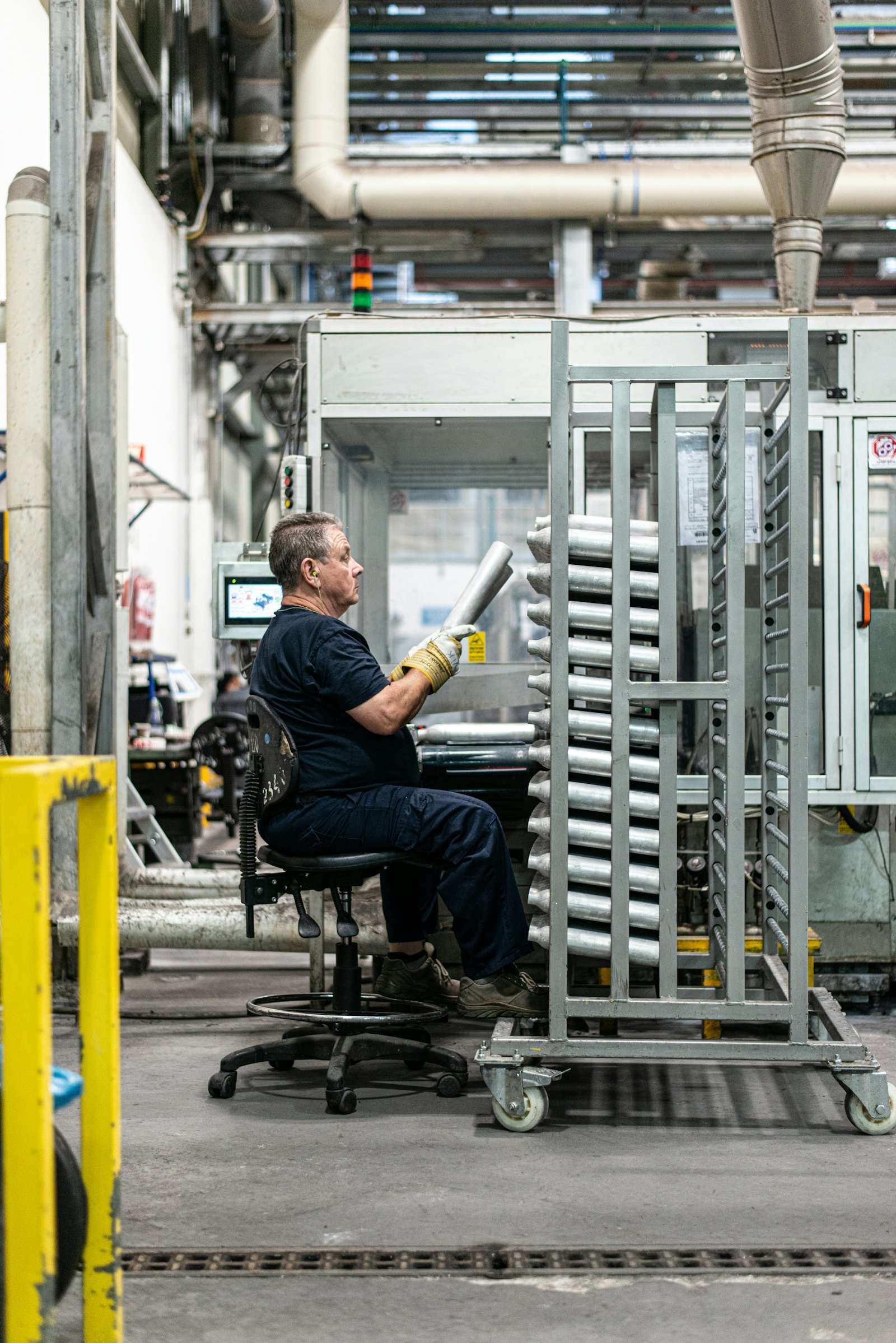
 Heavy machinery
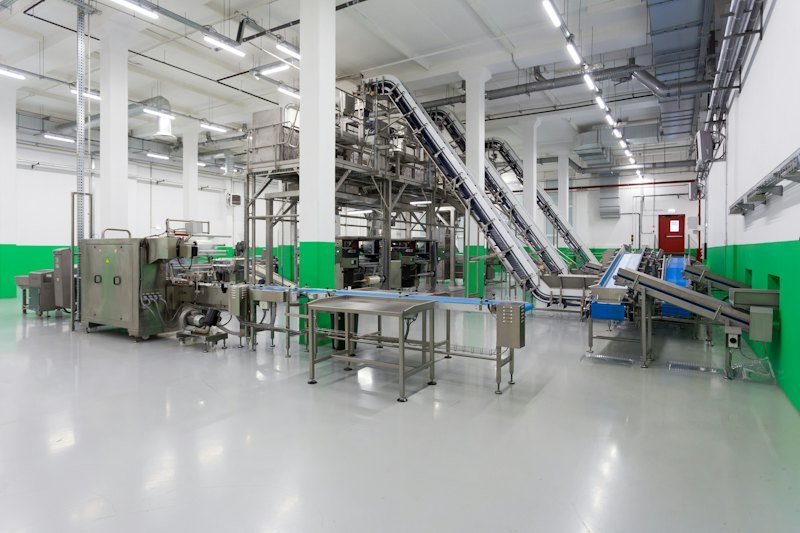 Food & hygiene